









Digital Easter Escape Room for Google Slides & Seesaw
$5.00
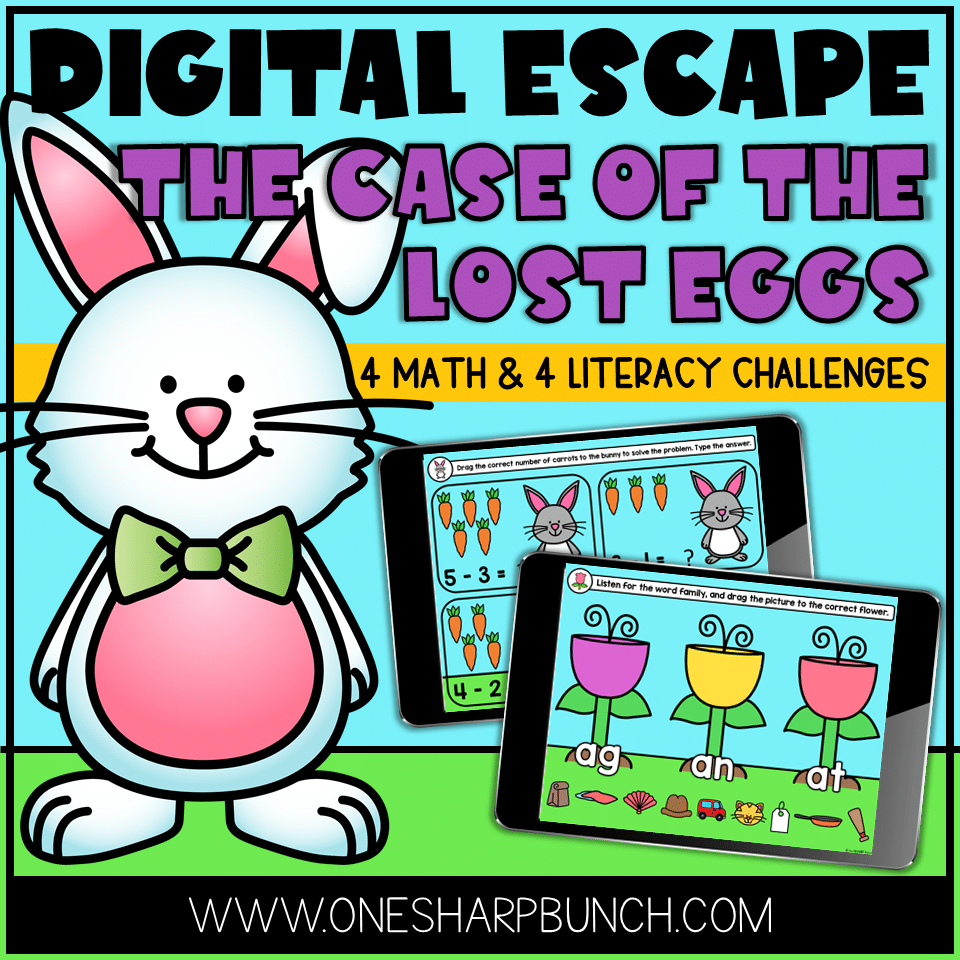
Celebrate Easter, as you review math and literacy skills, with this Digital Easter Escape Room! Your students will be highly engaged as they complete 8 different challenges to help the Easter Bunny find his lost eggs and discover who took them away from him!
# of Pages: 20
File Type: ZIP, PPT, Google Apps, Seesaw
Description
Celebrate Easter, as you review math and literacy skills, with this Digital Easter Escape Room! Your students will be highly engaged as they complete 8 different challenges to help the Easter Bunny find his lost eggs and discover who took them away from him!
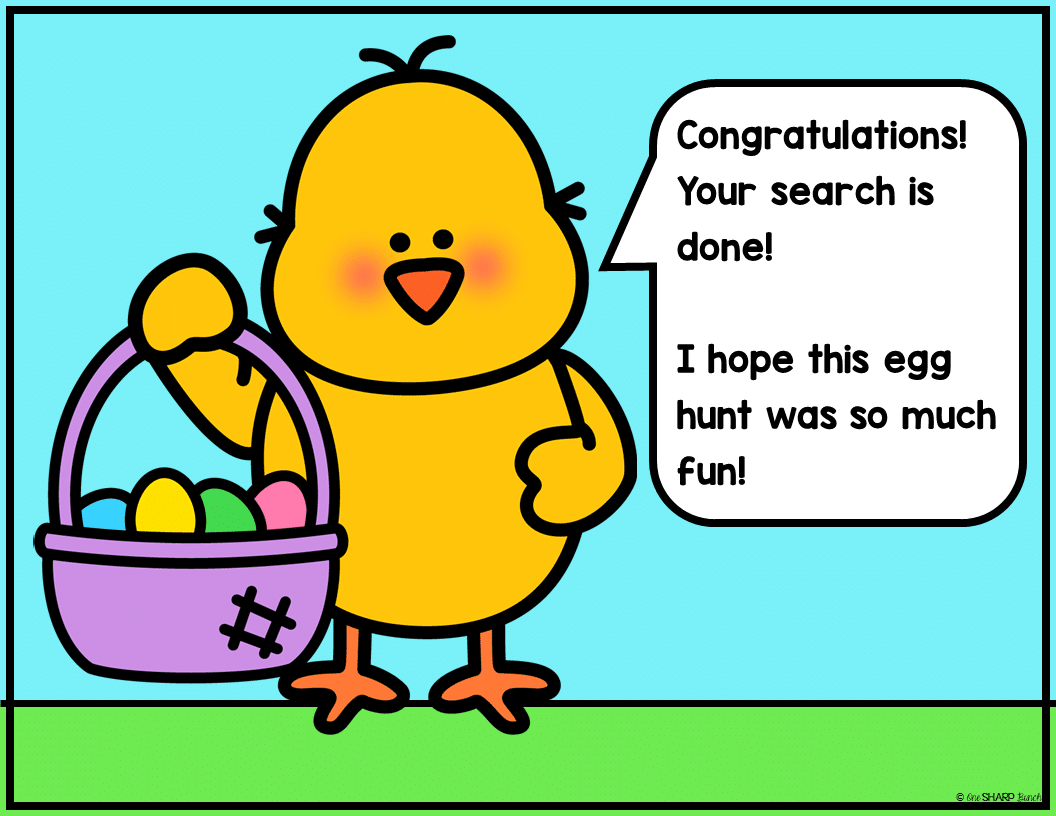
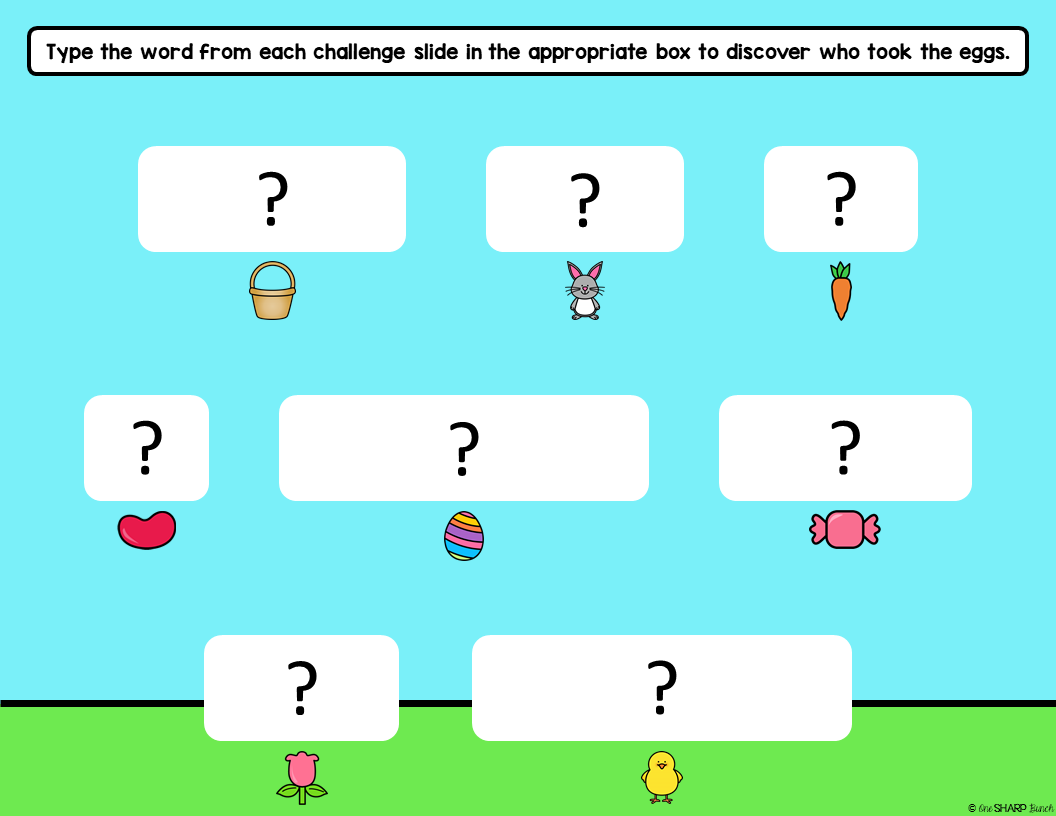
After they complete a challenge, they will move further along the bunny trail and closer to the egg snatcher. A secret word will be uncovered after each challenge. Once all 8 challenges have been completed, these words will form a sentence to reveal who has taken the eggs!
There are 4 math and 4 literacy challenges included in PowerPoint, Google Slides and Seesaw.
These digital Easter escape room activities are no prep, so they can be completed during centers or for morning work. Choose to use the digital Easter escape room for whole or small group instruction, or assign it as an independent activity.
Save time and make Easter a memorable (and learning-filled) celebration with these virtual Easter activities!
A note from the bunny reads:
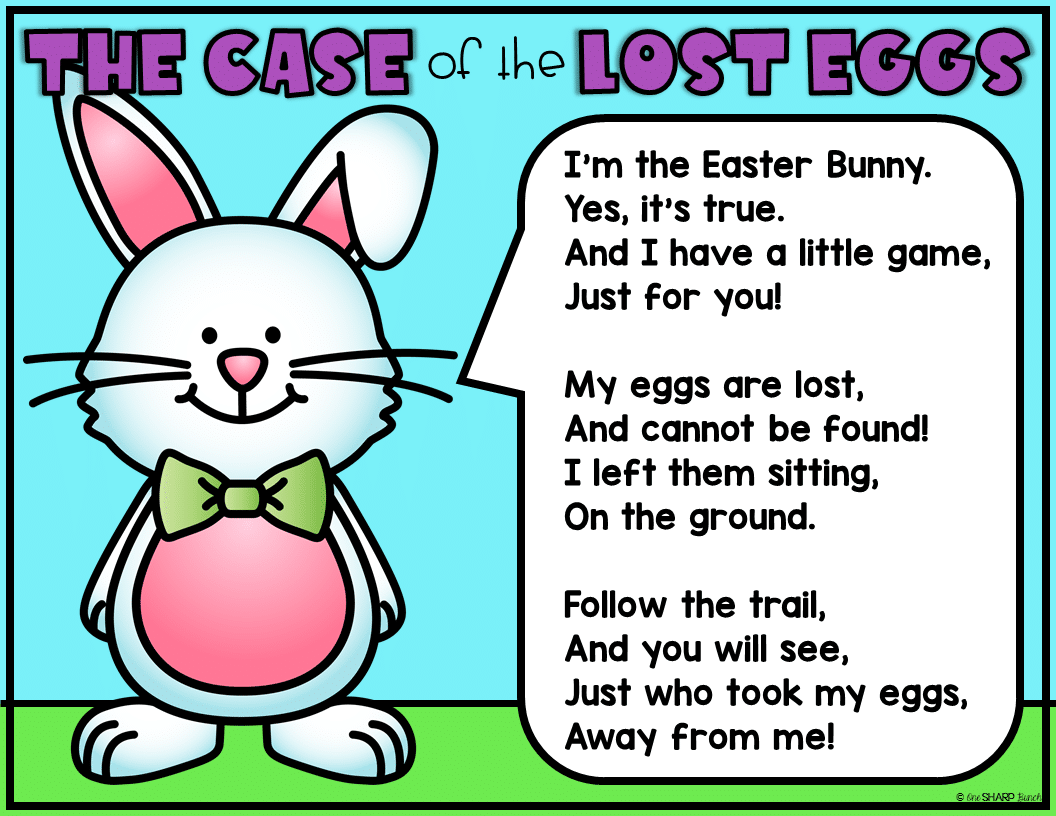
I’m the Easter Bunny.
Yes, it’s true.
And I have a little game,
Just for you!
My eggs are lost,
And cannot be found!
I left them sitting,
On the ground.
Follow the trail,
And you will see,
Just who took my eggs,
Away from me!
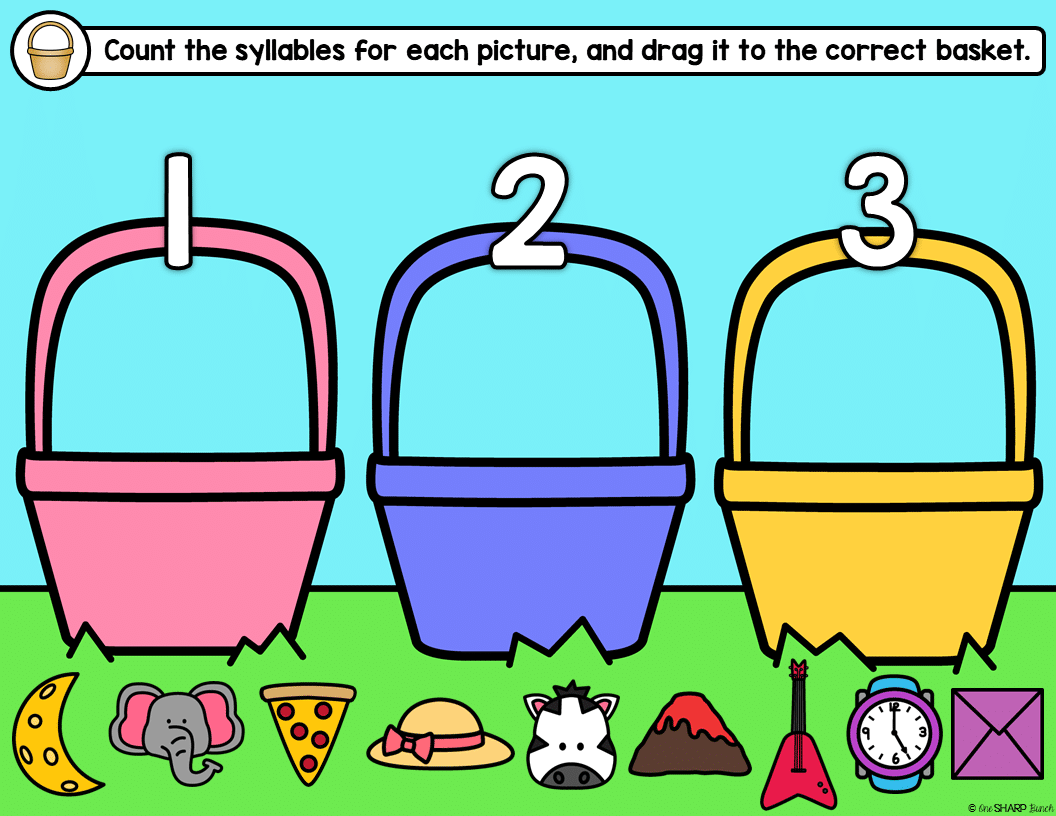
1. Basket Challenge – Count the syllables for each picture, and drag it to the correct basket.
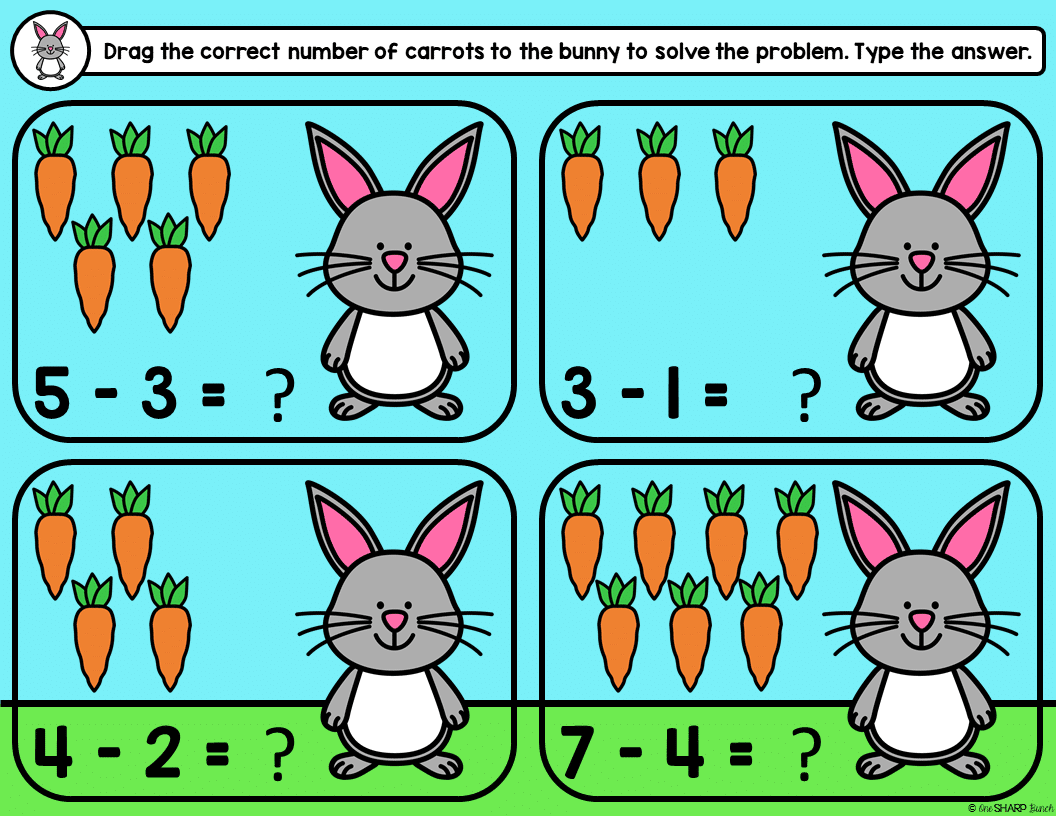
2. Bunny Challenge – Drag the correct number of carrots to the bunny to solve the problem. Type the answer.
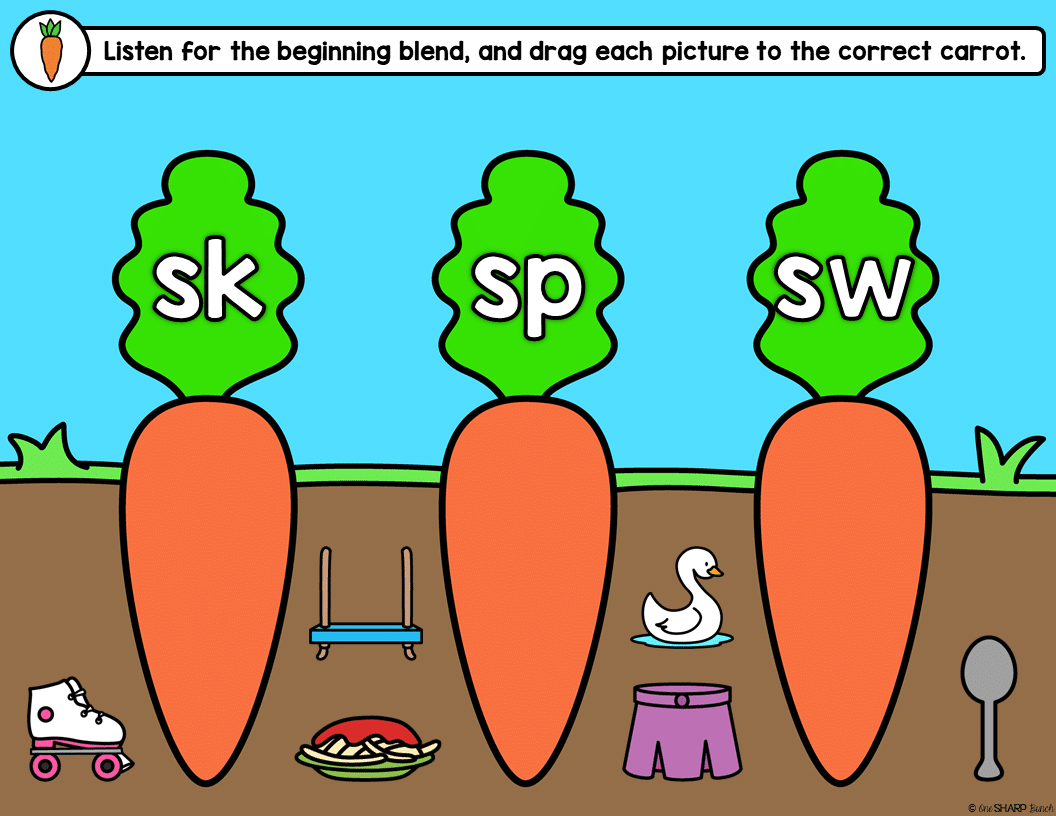
3. Carrot Challenge – Listen for the beginning blend (sk, sp, sw), and drag each picture to the correct carrot. OR Listen for the beginning sound (b, h, r), and drag each picture to the correct carrot.
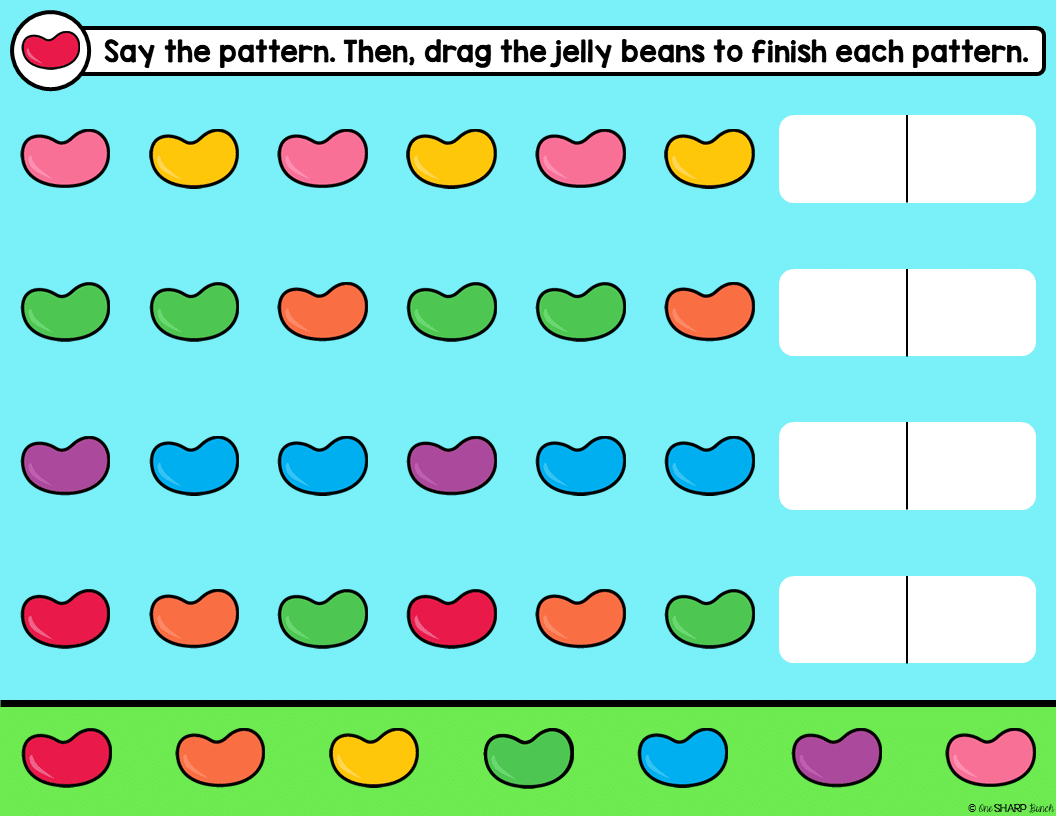
4. Jelly Bean Challenge – Say the pattern. Then, drag the jelly beans to finish each pattern.
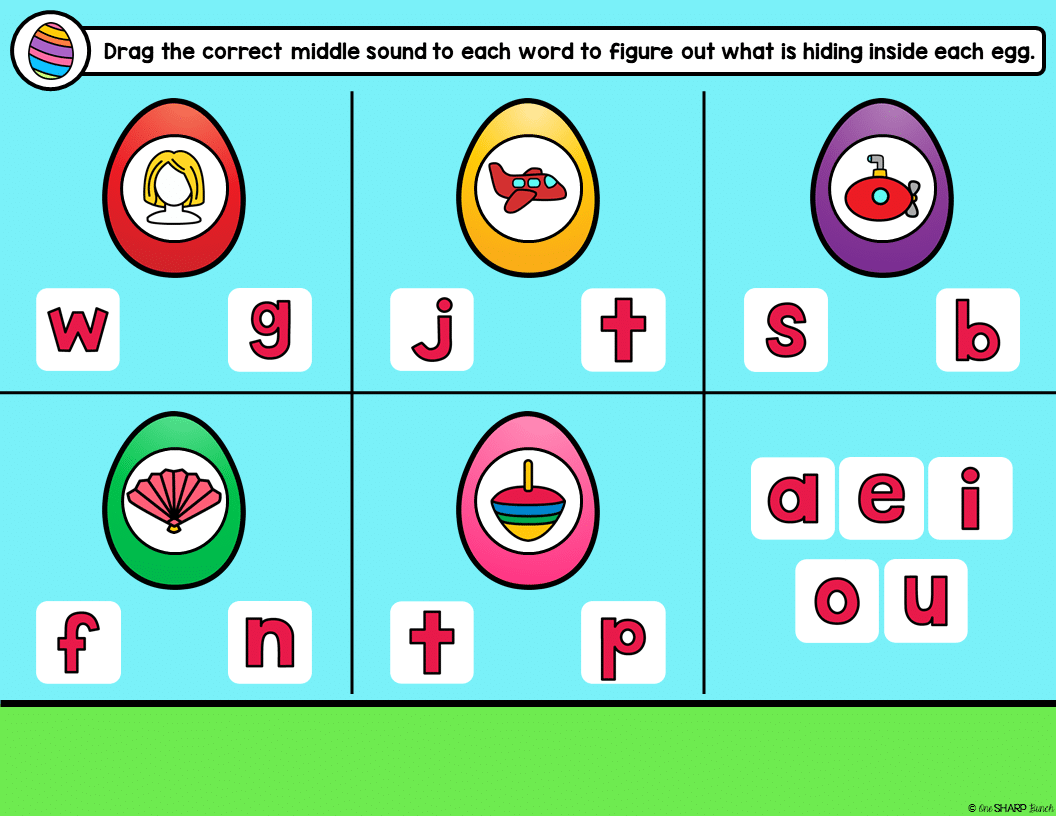
5. Egg Challenge – Drag the correct middle sound to each word to figure out what is hiding inside each egg.
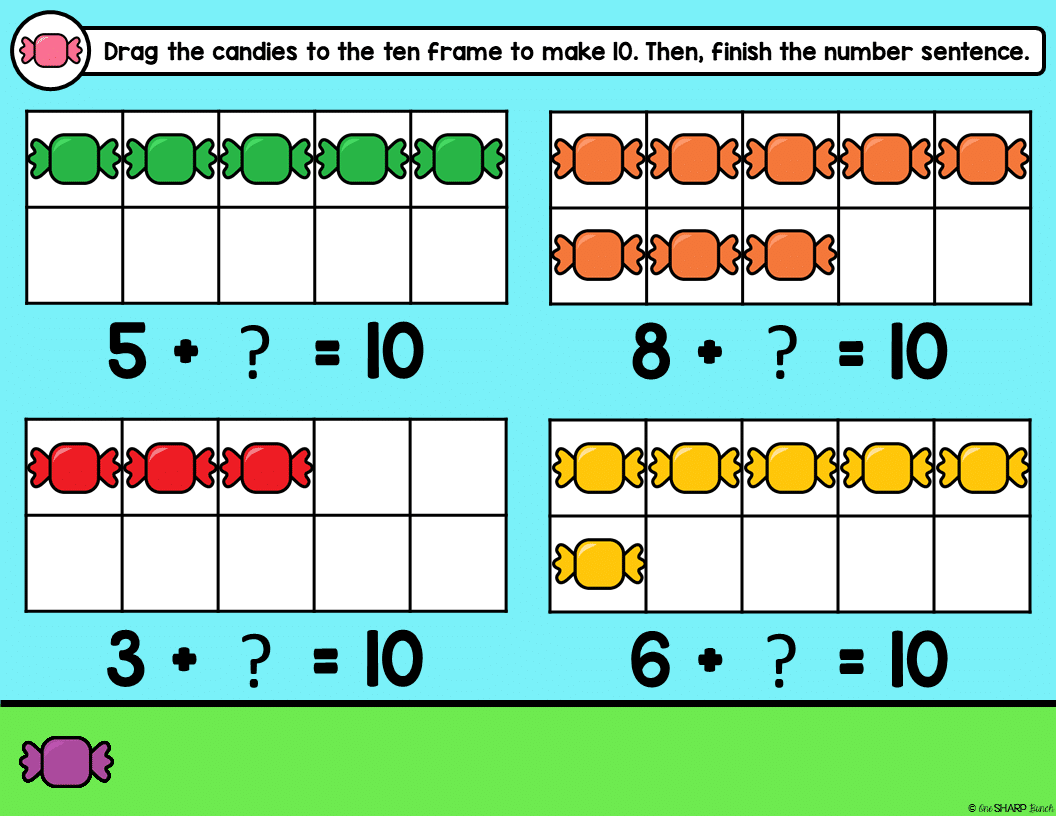
6. Candy Challenge – Drag the candies to the ten frame to make 10. Then, finish the number sentence. OR Drag the candies to the ten frame to show the problem. Then, type the answer.
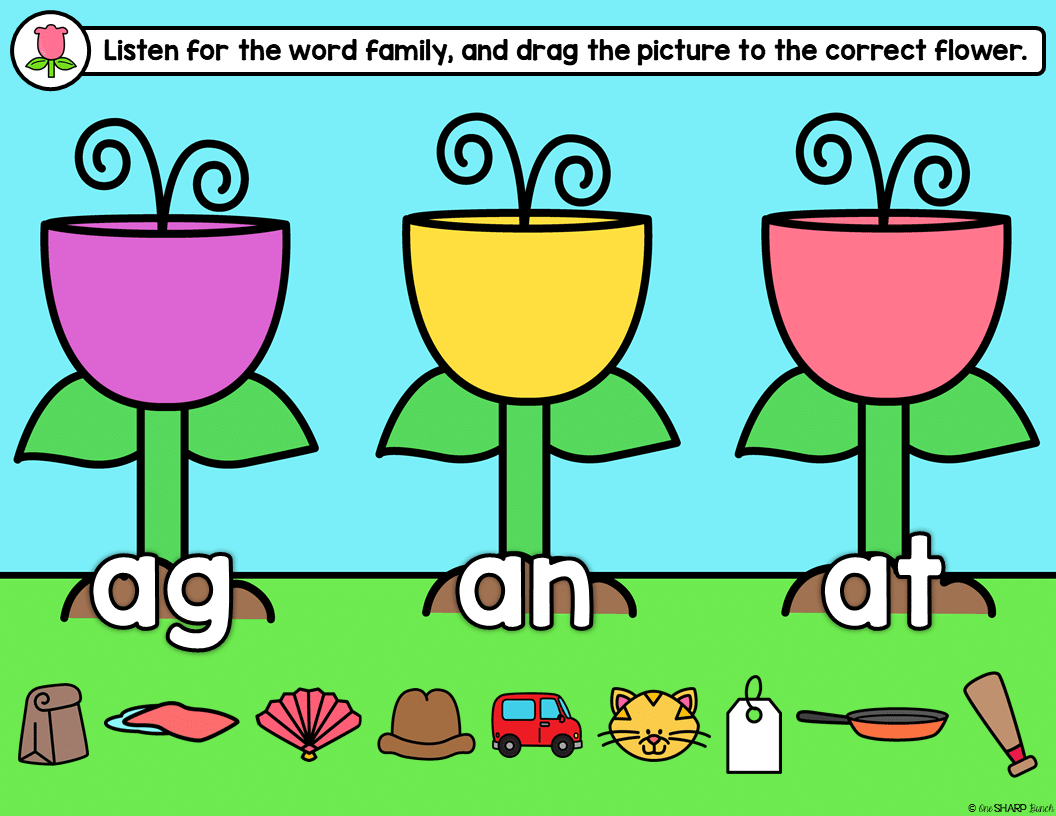
7. Flower Challenge – Listen for the word family (ag, am, at), and drag the picture to the correct flower. OR Listen for the rhyming word, and drag the picture to the correct flower.
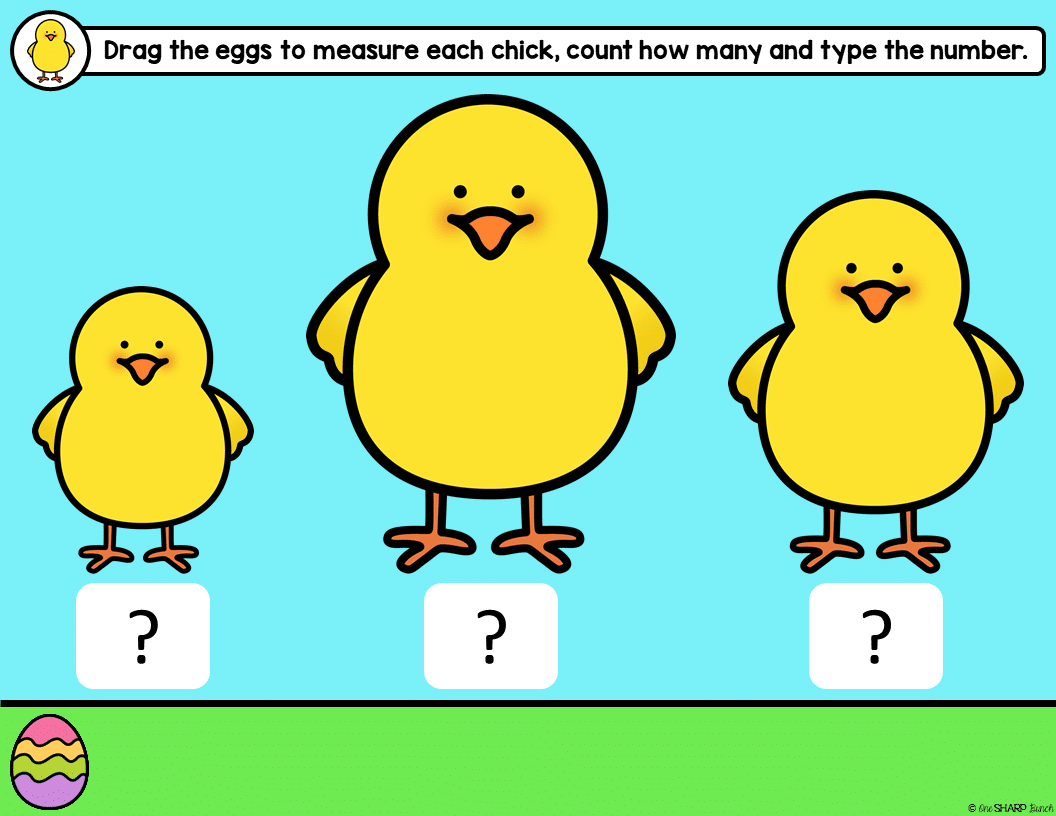
8. Chick Challenge – Drag the eggs to measure each chick, count how many and type the number.
I hope your students love this digital Easter escape room!
Keeping our little learners SHARP together!
Stay connected! One Sharp Bunch | Facebook Page | Instagram
114 reviews for Digital Easter Escape Room for Google Slides & Seesaw
Only logged in customers who have purchased this product may leave a review.
Related Resources
-

-

-
Sale!

Holiday & Seasonal Center Activities Bundle | Escape Room Activities
Original price was: $84.00.$48.00Current price is: $48.00. -





Brittany K. –
My students and I really loved this resource! Such a great resource.
Kendra E. –
My students absolutely LOVED this activity! I did this whole group, but students worked on their individual iPads throughout the activity. It was so much fun to see how excited they got when they found a clue! For Kindergarten, we did the Easy version, and it was perfect!
Michelle M. –
Love this! Thanks so much for this great resource! =-)
Kiely M. –
love this!
Kamila N. –
I have all the versions of these escape rooms because my kids absolutely love them, they’re so fun and review so many great skills!
Katelyn R. –
Thank you for a high-quality resource. It was easy to incorporate into our day and matched its description perfectly!
Katie P. –
Fun activity to use during those last few days before break. It kept the students interested and engaged.
Kathryn S. –
This was fun to use with my class.
Jennifer C. –
I loved using this resource with my kindergarten students! I highly recommend it!
Alyssa D. –
This was so fun to do with my distance learners.
Mary Beth R. –
Great resource
Melissa F. –
This was a wonderful activity!
Renata M. –
We love these activities! Fingers crossed the digital versions become printable so we can make a who dunnit poster to hang with the others!
Magic Making Mama –
I loved this activity! I did have to separate the activity into smaller activities to make it more user friendly for the students. I also wish there was a paper set to use for in class learning. But my students did really enjoy it.
Tanjya K. –
Perfect to get kids up and engaged!
Jessica M. –
This was great. We did as a whole group and they were engaged and had a blast.
Stacey B. –
My class were super engaged and loved working through this activity!
SweetSkyRain –
My students loved this resource! It covered a lot of skills in a fun and engaging manner.
Caryn C. –
My students love this resource! Kept them engaged! They especially loved find the secret words!
Jennifer Z. –
This was a great resource for me to use with my students.